For years, passwords have been the standard gatekeepers of our digital lives, but they’ve become the weakest link in security. Compromised credentials are now tied to over 80% of data breaches, forcing a necessary evolution in how we verify identity. This is where biometric authentication fundamentally changes the game.
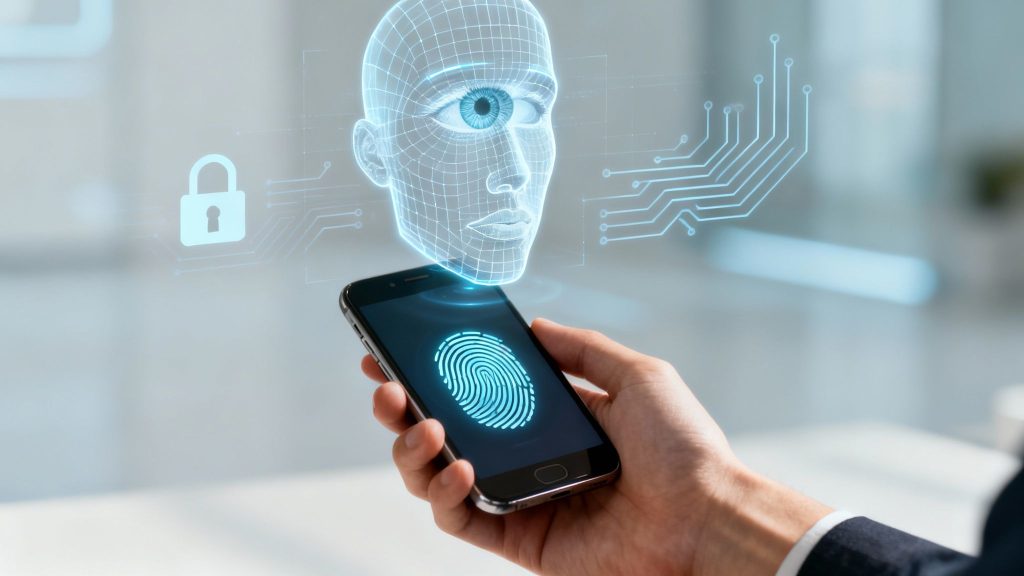
Instead of relying on something you know (a password), biometric security verifies identity based on who you are—your unique biological traits. This isn't just a minor upgrade; it's a strategic shift toward stronger, more intuitive, and fraud-resistant digital experiences. For businesses in high-stakes industries like SaaS, finance, and e-commerce, embracing this shift is no longer optional.
Why Passwords Are a Business Liability
The traditional password system is obsolete. Passwords are stolen through phishing, cracked with brute-force attacks, or leaked in massive data breaches. For users, this creates a nightmare of managing dozens of complex, easily forgotten credentials. For businesses, relying on passwords is an unacceptable liability that directly impacts the bottom line.
This is why various types of biometrics have moved from a "nice-to-have" novelty to a core business requirement. By verifying a user's identity with their unique physical or behavioral traits, you build a security layer that is exceptionally difficult to forge or steal, directly addressing the root cause of most account takeover incidents.
The Business Case for Biometric Authentication
Moving beyond passwords is a strategic decision that delivers measurable ROI and enhances brand trust.
- Drastic Fraud Reduction: Biometric systems confirm a user is physically present, effectively shutting down automated attacks like credential stuffing and account takeovers. This directly protects revenue, reduces chargebacks, and safeguards your brand's reputation.
- Enhanced Customer Trust: A quick fingerprint scan or facial recognition feels modern, secure, and effortless. It signals to customers that you prioritize their security, strengthening brand perception in a way a "Forgot Password" link never could.
- Streamlined Operational Efficiency: Password reset requests are a significant drain on support teams. Adopting passwordless solutions like biometrics slashes these operational costs, freeing your team to focus on value-generating activities. A well-designed DevOps strategy can integrate these systems smoothly for maximum impact.
In essence, biometric authentication aligns security with user experience. It transforms a point of friction—the login screen—into a moment of trust and simplicity, which is crucial for engagement and retention in any digital product.
This shift provides the foundation for exploring the specific biometric authentication methods available. Each has unique strengths, and selecting the right one depends on your specific security, compliance, and user experience goals.
Comparing The Core Biometric Authentication Methods
Not all biometric authentication methods are created equal. They fall into two primary categories based on what they measure, and understanding this distinction is key to matching the technology to your business needs.
The two main categories are:
- Physiological Biometrics: These methods measure your unique, unchangeable physical traits—the things you are. Examples include your fingerprint, facial structure, or the pattern of your iris.
- Behavioral Biometrics: These methods analyze patterns in how you do things. This includes your typing rhythm, how you swipe on a screen, or even your gait.
For most business applications, physiological biometrics perform the initial authentication, while behavioral biometrics often work continuously in the background to detect fraud during a user session.
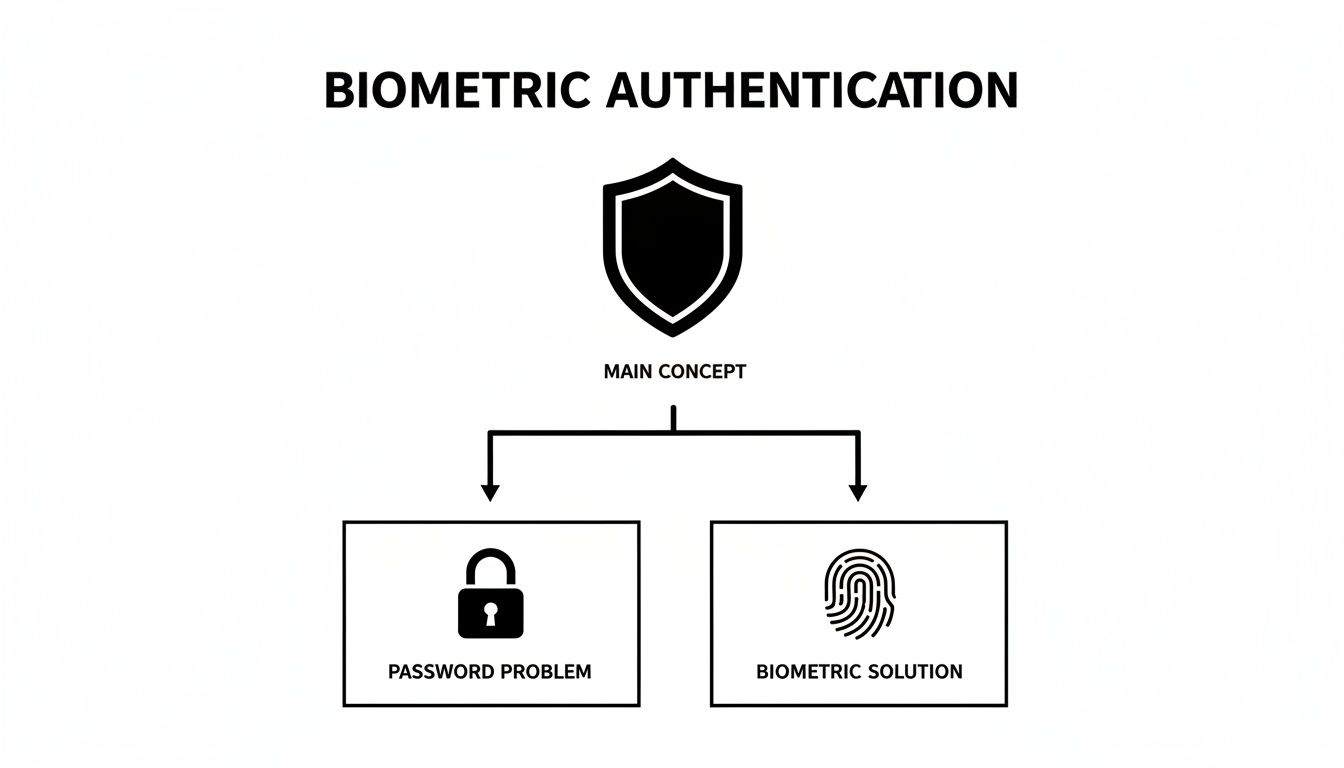
This diagram illustrates the core concept: moving from a broken, vulnerable system to a modern, secure model built on a user's unique identity. This is the foundation of digital trust today.
Comparison of Common Biometric Authentication Methods
This table outlines the strengths and weaknesses of each method, helping you identify the best fit for your use case at a glance.
| Method | Type | Key Strengths | Potential Weaknesses | Best For |
|---|---|---|---|---|
| Fingerprint Recognition | Physiological | High convenience, cost-effective, widely adopted and supported on mobile devices. | Can be affected by dirt or moisture; lower-quality sensors can be spoofed. | Mobile app logins, employee access, and point-of-sale systems. |
| Facial Recognition | Physiological | Contactless, frictionless user experience, intuitive. | Performance can suffer in bad lighting; liveness detection is critical. | Digital onboarding (eKYC), device unlocking, and seamless access control. |
| Iris & Retina Scanning | Physiological | Extremely high accuracy, nearly impossible to replicate. | Requires specialized, expensive hardware; less convenient for the user. | High-security government and enterprise environments. |
| Behavioral Analytics | Behavioral | Continuous, invisible security layer; excellent for real-time fraud detection. | Not suitable for primary authentication; requires a baseline of user behavior. | Ongoing session security and detecting account takeover fraud. |
As you can see, the "best" method is contextual—a balance of security requirements, user convenience, and the specific risk you aim to mitigate.
Physiological Biometric Methods
These are the most common methods used for primary authentication, valued for their stability and uniqueness.
Fingerprint Recognition
This widely recognized method works by matching the unique patterns of ridges and valleys on a fingertip.
- Key Strengths: It offers an excellent balance of security and ease of use. It is inexpensive to implement and is natively supported by nearly every modern smartphone, making it a default choice for reducing login friction in mobile banking or e-commerce apps.
- Potential Weaknesses: Environmental factors like dirt, water, or dry skin can cause scan failures. Cheaper sensors can also be vulnerable to spoofing with fake prints, a risk our team at Group107 Digital helps clients mitigate by integrating more advanced, secure sensors.
- Best For: Securing mobile apps, employee logins, and checkout systems where users expect speed and familiarity.
Facial Recognition
This method analyzes the unique geometry of a face—like the distance between eyes and the shape of the nose—to create a digital key. Modern systems use 3D mapping and infrared light to achieve high accuracy and security.
- Key Strengths: It provides a completely hands-off, seamless experience. Users simply look at a device to gain access, making it ideal for frictionless authentication.
- Potential Weaknesses: Performance can be impacted by poor lighting. Public privacy concerns are also a factor, and robust liveness detection is non-negotiable to prevent spoofing with a photo or mask.
- Best For: Digital onboarding (eKYC) in fintech, unlocking personal devices, and managing access in high-traffic environments.
Iris and Retina Scanning
These methods represent the pinnacle of biometric security. Iris scanning maps the complex patterns in the colored part of the eye, while retina scanning analyzes the unique pattern of blood vessels at the back of the eye.
- Key Strengths: Both offer exceptional accuracy and are virtually impossible to replicate. The patterns they read are more complex than a fingerprint and remain stable throughout a person's life.
- Potential Weaknesses: The trade-off for superior security is cost and convenience. Both require specialized hardware and a more deliberate user action, making them unsuitable for most consumer applications.
- Best For: High-security scenarios like government facilities, border control, and protecting access to mission-critical corporate data.
Behavioral Biometric Methods
Behavioral biometrics operate differently. Instead of a one-time login check, they provide a continuous, often invisible, layer of security. They excel at spotting fraud by detecting anomalies in a user's typical patterns.
Behavioral biometrics turn every interaction into a subtle security check. By analyzing how a user types or moves a mouse, a system can continuously verify that the legitimate user is still in control, flagging potential account takeovers in real time.
This approach is less about who logs in and more about ensuring the right person remains in control throughout the session.
Common examples include:
- Typing Cadence (Keystroke Dynamics): Analyzing the rhythm, speed, and pressure of a user's typing.
- Gait Analysis: Identifying a person by their distinct walking pattern, often captured by smartphone sensors.
- Signature Dynamics: Measuring not just the appearance of a signature, but the speed, pressure, and flow of how it was written.
The global market for next-gen biometrics, valued at USD 28.76 billion, is projected to exceed USD 35 billion in the next year and reach an astounding USD 339.7 billion by 2035. The banking and financial services (BFSI) sector is expected to drive 32.8% of this demand, underscoring the technology's critical role in securing financial assets and data. You can explore market trends on next-gen biometrics from Research Nester.
Choosing Your Architecture: On-Device vs. Cloud Biometrics
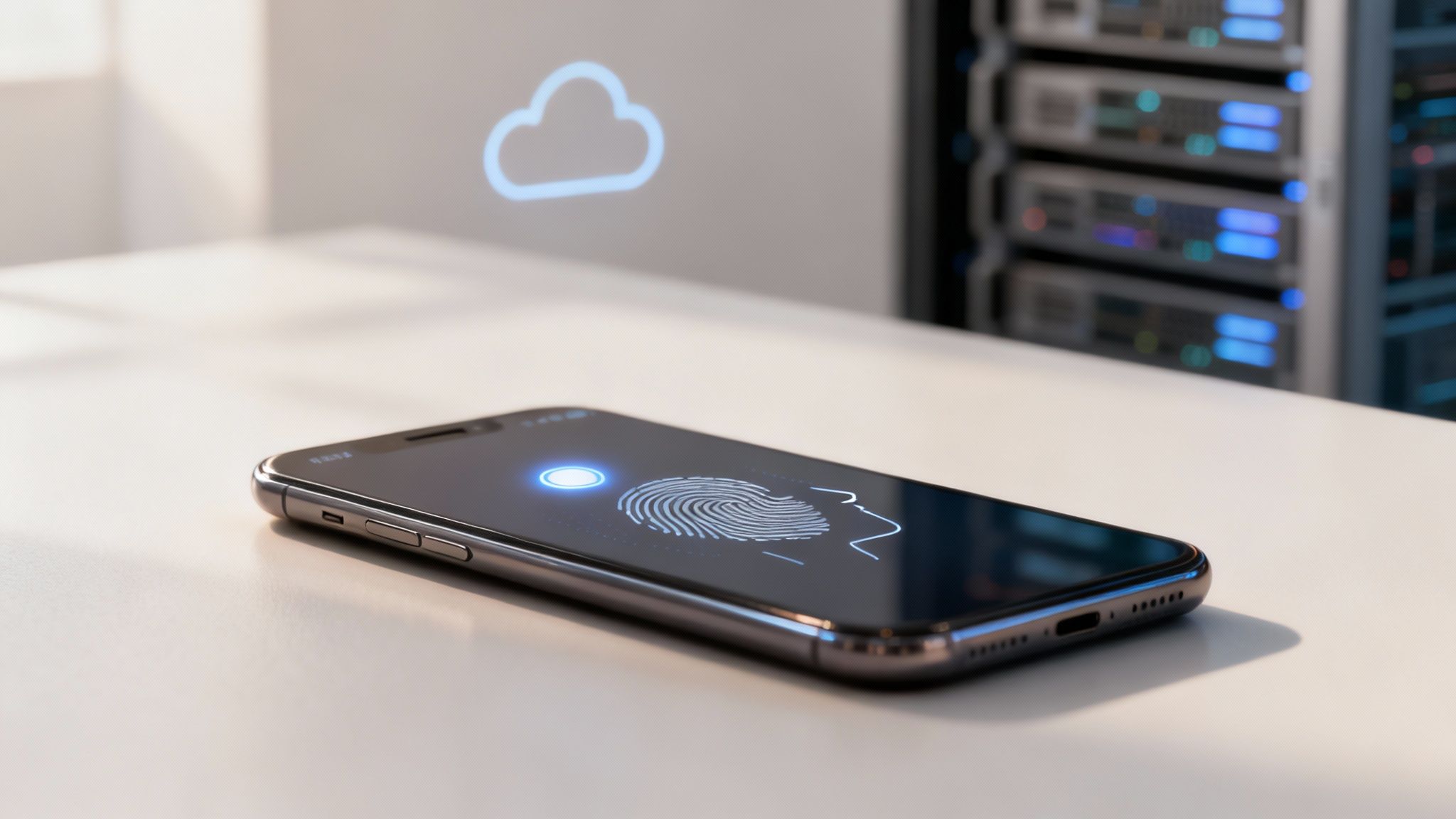
When integrating biometric authentication, your first architectural decision is where the biometric data will live. This choice between on-device and cloud-based processing fundamentally shapes your system's security, privacy, and user experience.
Think of it as choosing between a personal safe at home (on-device) and a central bank vault (cloud). Each serves a different purpose and comes with distinct risks and responsibilities.
On-Device Authentication: The Privacy-First Model
On-device authentication, championed by Apple and Google, is the gold standard for consumer privacy. In this model, the user's biometric template—the mathematical map of their fingerprint or face—never leaves their personal device.
The process occurs within a dedicated, isolated chip called a Secure Enclave or Trusted Execution Environment (TEE), which acts as a digital fortress within the device's hardware.
- Enrollment: When a user sets up their fingerprint, the sensor captures the image, converts it into an encrypted template, and stores it in the secure chip. The original image is immediately discarded.
- Verification: To log in, the user scans their finger again. This new scan is sent directly to the secure chip for comparison against the stored template. Your application only receives a "yes" or "no" response; the actual biometric data is never exposed.
This decentralized architecture dramatically reduces the risk of a large-scale data breach. If your company's servers are compromised, there is no centralized biometric database to steal. This makes it the ideal model for mobile banking apps, password managers, and any service where user trust is paramount.
Cloud-Based Authentication: The Centralized Identity Model
Cloud-based biometrics store and process templates on a central server. This model is essential for use cases requiring a single, persistent identity accessible from any device, anywhere.
For example, a government border control system must match a traveler's face against a national database, not just a template on their phone. Similarly, a large enterprise might use voice biometrics to allow employees to call the IT help desk from any phone line. In these scenarios, a centralized identity is necessary.
The core trade-off with cloud biometrics is convenience and accessibility versus a centralized risk profile. While it enables powerful, device-agnostic identity verification, it also creates a high-value target for attackers, demanding exceptional server-side security.
Securing these systems is non-negotiable. Protecting data in transit and at rest requires meticulous attention to detail. Our guide on REST API security best practices provides a robust playbook for protecting your data endpoints.
Comparing On-Device vs. Cloud Architectures
| Factor | On-Device Biometrics | Cloud Biometrics |
|---|---|---|
| Security | Very High. Data is decentralized, eliminating a single point of failure for mass data theft. | High (if implemented correctly). Entirely dependent on robust server security and encryption. A breach has a much larger impact. |
| Privacy | Excellent. The user maintains complete control over their biometric data, which builds trust. | Lower. Users must trust your organization to safeguard their sensitive data on a central server. |
| Scalability | Limited. A user's identity is tied to their specific device, making it unsuitable for cross-device verification. | Excellent. A single identity can be verified from any authorized device, ideal for large-scale systems. |
| User Experience | Fast and seamless. Verification is nearly instantaneous as it happens locally. | Slightly slower. Requires a network connection, which can introduce latency. |
The right choice depends on your use case. For consumer apps where privacy and a snappy experience are top priorities, on-device is the clear winner. For enterprise or government systems that require a centralized, portable identity, a well-secured cloud solution is the only viable option.
Defeating Fraud with Liveness Detection and Anti-Spoofing
A biometric scanner alone is not enough to guarantee security. Modern fraudsters attempt to trick systems using high-resolution photos, realistic masks, or silicone fingerprint copies. These presentation attacks, or spoofing, represent the new frontier in the battle for digital identity.
Without a robust defense against these attacks, even the most accurate biometric algorithm can be compromised. This is why liveness detection and anti-spoofing technologies are now essential components of any secure system. They act as gatekeepers, ensuring the person attempting to authenticate is real, alive, and physically present.
Active vs Passive Liveness Detection
Liveness detection technologies generally fall into two categories, each with a different approach to verifying a user's presence.
Active liveness detection requires the user to perform a specific action or "challenge," such as:
- Blinking when prompted
- Smiling or turning their head
- Reading a sequence of numbers aloud
This method forces an interaction that a static photo or simple video loop cannot replicate. However, it adds friction to the user experience and can lead to failed attempts and frustration.
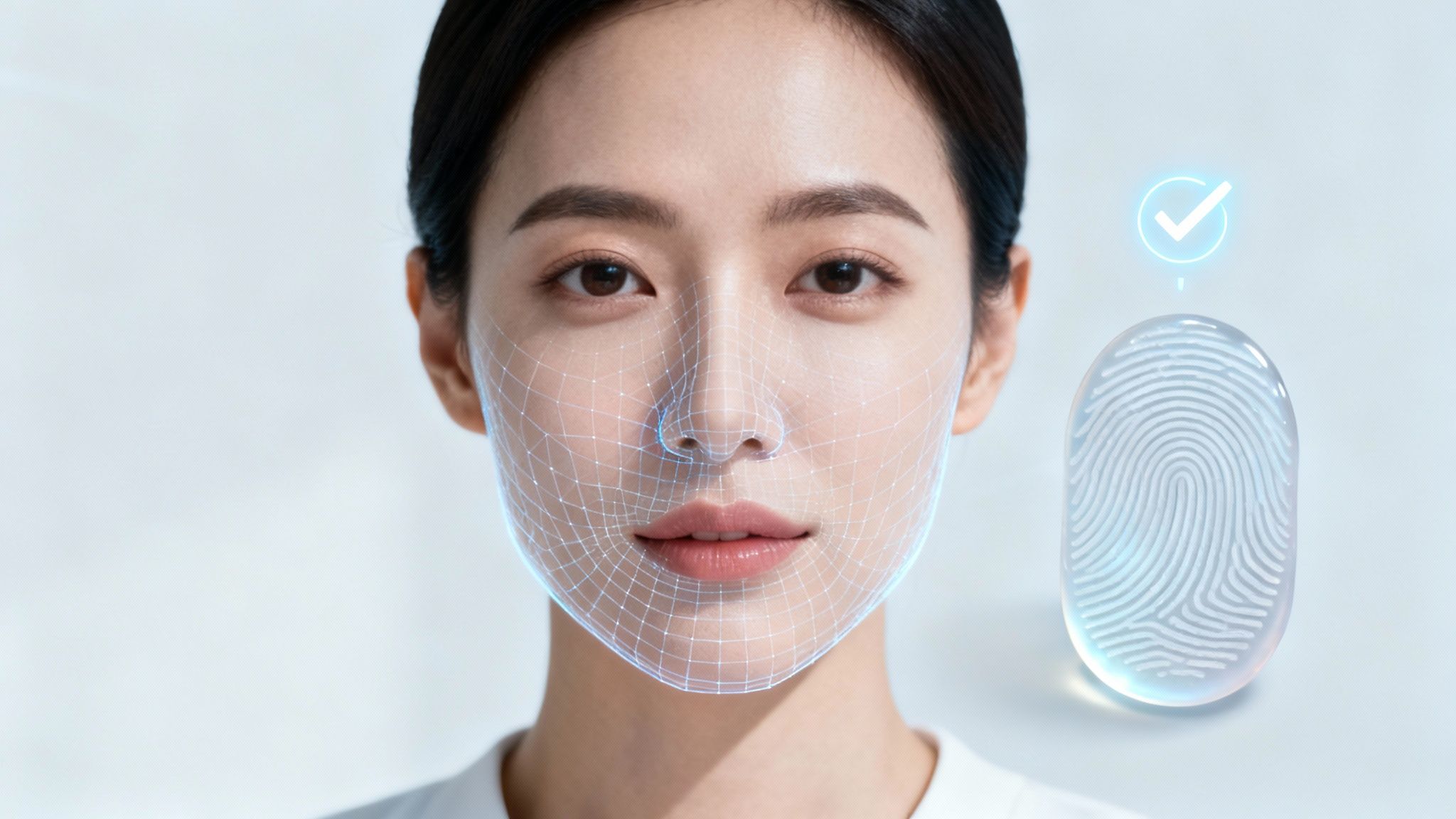
Passive liveness detection, in contrast, operates invisibly in the background. It uses sophisticated AI to analyze subtle, involuntary cues that are nearly impossible for fakes to mimic.
Passive liveness confirms you're real without interrupting you. The system analyzes micro-expressions, skin texture, light reflection, and subtle movements to verify you are a live person. It’s security that feels completely frictionless.
This method is superior for high-stakes interactions like fintech onboarding (eKYC) or approving large transactions because it is both more secure and provides a smoother user experience. It can detect advanced fakes, including deepfakes, without requiring any action from the user.
The Business Imperative for Anti-Spoofing
For product teams in finance, government, or any regulated industry, integrating liveness detection is a core defense mechanism. As digital onboarding becomes standard, the threat of sophisticated fraud has grown exponentially. Biometric identity verification, fortified with robust liveness checks, is the centerpiece of modern security architecture.
The market for this technology is projected to more than double, growing from USD 8.88 billion to USD 17.81 billion by 2030. This growth is driven by vendors combining 3D facial recognition, advanced liveness detection, and neural networks to defeat presentation attacks and deepfakes. A deeper analysis of these market forces is available in the research on biometric identity verification from MarketsandMarkets.
Implementing these technologies ensures your system can distinguish between a real customer and a fraudster using a stolen photo. This isn't just about preventing financial loss; it's about maintaining compliance and building unshakable customer trust.
Navigating Privacy and Building User Trust
Biometric data is not like a password; it cannot be reset. It is a permanent, personal identifier. If this data is breached, the consequences can be lifelong. Handling it requires immense responsibility and a transparent, ethical approach to privacy from day one.
This goes beyond simply complying with regulations like GDPR or CCPA. It means translating legal requirements into user-centric practices that demonstrate respect for customer data at every touchpoint.
The Bedrock Principles for Building Trust
To earn and maintain user trust, your biometric system must be built on these non-negotiable principles:
- Explicit Consent: Never assume consent. Before capturing a fingerprint or face scan, you must obtain clear, informed approval. This means explaining—in plain language—what data you are collecting, why you need it, and how it will be used. No jargon, no fine print.
- Data Minimization: Collect only the data you absolutely need. If a fingerprint is sufficient to secure an account, do not request a facial scan. This principle reduces your risk profile and signals to users that you are not a data hoarder.
- Purpose Limitation: The data you collect should be used only for its intended purpose. If a user provides a face scan for login, you cannot use it for marketing analysis without obtaining new, explicit consent.
The best privacy strategies empower the user. By offering transparent policies, straightforward consent flows, and simple data management tools, privacy transforms from a compliance burden into your most powerful trust-building asset.
The Critical Decision: Secure Storage and Encryption
Your choice between on-device and cloud storage has profound privacy implications. While on-device is the gold standard for user privacy, centralized cloud storage places the entire security burden on your organization.
If you choose a cloud architecture, you must secure that data with robust encryption. This involves using strong, modern cryptographic algorithms to protect data both at rest (in your database) and in transit (between the user's device and your servers). Our guide on AES vs RSA encryption offers valuable context for these critical security decisions. The goal is to render stored biometric templates mathematically useless to an attacker.
Building trust also extends to the physical data lifecycle. Using secure hard drive destruction methods for retired hardware is a crucial final step to ensure sensitive data is never compromised. This full-circle approach—from capture to final disposal—is what distinguishes truly responsible organizations.
A Practical Framework for Choosing the Right Biometric Solution
Selecting the right biometric authentication method requires a strategic approach that aligns technology with business needs, user expectations, and your specific risk profile. A structured decision-making framework ensures you implement a solution that is secure, user-friendly, compliant, and scalable.
This framework is built on four core pillars.
Pillar 1: Security Requirements
First, define your threat model. What specific risks are you trying to prevent? The security needed for a neobank protecting large transactions is vastly different from an internal app for employee time tracking.
- Low-Risk Scenarios: For protecting non-sensitive information or streamlining logins, on-device fingerprint or facial recognition is typically sufficient. The primary goal is reducing friction while providing basic account security.
- High-Risk Scenarios: For digital onboarding (eKYC), authorizing large payments, or accessing sensitive health records, more robust measures are required. This means implementing facial recognition with passive liveness detection to defend against sophisticated spoofing attacks.
Pillar 2: User Context and Experience
Consider your users and the context in which they will interact with your system. A seamless user experience is critical for adoption. If your system is clunky or invasive, users will find workarounds.
For a mobile banking app, on-device biometrics like Face ID or fingerprint scan are ideal for daily logins. They are fast, familiar, and frictionless. For the initial account setup, however, a more deliberate process involving facial recognition with liveness detection establishes a trusted identity from the start.
Match the biometric method to the value and risk of the action. Use low-friction methods for frequent, low-risk activities and higher-assurance methods for critical events like onboarding or password resets.
Pillar 3: Regulatory and Compliance Environment
Your industry dictates the rules. Financial services, healthcare, and government sectors operate under strict frameworks like GDPR, CCPA, and various financial directives that govern the collection, storage, and management of biometric data.
- Compliance Checklist:
- Data Residency: Where can biometric data be legally stored?
- User Consent: What are the requirements for obtaining and managing explicit user consent?
- Data Security: What are the non-negotiable encryption and storage standards?
Navigating these requirements is complex, which is why a firm grasp of different data security technologies to avert cyber threats is essential. A single misstep can lead to massive fines and irreparable brand damage.
Pillar 4: Budget and Technical Scalability
Finally, evaluate the total cost of ownership and ensure the solution can scale with your business. Implementation costs range from integrating native on-device APIs to licensing sophisticated, server-side platforms for facial recognition and liveness detection.
The biometrics market, currently valued around USD 45–50 billion, is projected to grow to USD 173.08 billion by 2033. This massive growth is driven by the urgent need to replace weak passwords, the root cause of over 80% of hacking-related breaches. For any product team, a biometric-ready architecture is no longer optional—it is a market expectation. You can learn more about this trend from the research at 360iResearch.
By carefully evaluating these four pillars—Security, User Context, Compliance, and Budget—you can confidently select and implement the right biometric authentication methods for your organization.
Common Questions About Biometric Authentication
As teams explore biometrics, several key questions consistently arise. Here are clear, actionable answers to the most common inquiries from product leaders and engineers.
What’s the Real Difference: Identification vs. Authentication?
These terms are often used interchangeably, but they represent two distinct security functions. The difference lies in the question being asked.
Biometric identification asks, “Who are you?” It performs a one-to-many comparison, matching a single biometric sample against a large database to find an identity. This is used in law enforcement systems to identify a suspect in a crowd.
Biometric authentication asks, “Are you really who you say you are?” It performs a one-to-one comparison, verifying a user's biometric sample against a single, pre-enrolled template. Unlocking your phone with your face is authentication. It confirms your claimed identity, which is precisely what is needed for secure logins.
How Well Does Facial Recognition Stand Up to Deepfakes?
This is a critical concern as deepfake technology becomes more sophisticated. A well-designed system can effectively defend against such attacks. The key is liveness detection.
Modern systems don't just match a face; they verify that a live person is present. Advanced passive liveness detection analyzes subtle cues like skin texture, light reflection, and involuntary muscle movements—details that AI-generated fakes cannot convincingly replicate. Many systems also incorporate 3D mapping, which can instantly distinguish between a flat image or video and a real, three-dimensional head.
Can My Biometric Data Be Stolen and Used Against Me?
This is a valid concern, but a properly designed system mitigates this risk by never storing an actual image of your fingerprint or face. Instead, it converts your biometric data into an encrypted mathematical file known as a biometric template.
A stolen biometric template is practically useless to a hacker. It cannot be reverse-engineered back into the original biometric image and is typically tokenized and tied to a specific device or system.
Systems like Apple's Face ID and Google's Pixel Imprint store this template within a secure chip on your device. The template never leaves your phone, eliminating the risk of a centralized database breach because no such database exists to attack.
Summary and Next Steps
Biometric authentication offers a powerful solution to the inherent weaknesses of passwords, enabling businesses to enhance security, reduce fraud, and improve the user experience. The key to successful implementation lies in a strategic approach that aligns the chosen technology with your specific security requirements, user context, and compliance obligations.
Your actionable next steps are:
- Assess Your Threat Model: Identify the specific risks your business faces to determine the required level of security assurance.
- Map Your User Journey: Analyze where authentication friction occurs and identify opportunities to introduce seamless biometric options.
- Evaluate Your Architecture: Decide whether an on-device, cloud-based, or hybrid model best fits your product and privacy goals.
- Prioritize Liveness Detection: For high-risk applications, ensure your solution includes robust anti-spoofing and liveness detection to defend against advanced fraud.
At Group107, we architect and build secure, intuitive authentication systems that customers trust. We partner with fintechs, SaaS platforms, and enterprises to find the optimal balance between robust security and a seamless user experience. To see how we turn ambitious ideas into scalable solutions, learn more at https://group107.com.